WebXR GDevelop Extension
Build fully immersive VR games in GDevelop — no coding required. This extension family brings the WebXR API into GDevelop's event-sheet workflow, giving you spatial tracking, controller input, physics-driven interactions, and a complete inventory/holster system out of the box.
Free to use. Works in the browser on Meta Quest and any WebXR-compatible headset.
The extension ships as four files you install into your project:
webxr— core (required for everything)webxr_archery— bow and arrow systemwebxr_doors— physical doors and key lockswebxr_teleport— arc teleport locomotion
For technical documentation check the DeepWiki.
What's included
VR Session & Head Tracking
(Part of webxr core)
Start and stop VR sessions from your event sheet. The VR Head Anchor behavior locks a GDevelop object to the player's headset each frame — your scene moves with the player automatically. Configure world scale (how many GDevelop units equal one real-world meter) to match any scene size.
Crouching is built in: use StartCrouching / StopCrouching to snap the player into a crouched posture — the physics body scales down uniformly, the camera drops to a configurable height, and everything attached (controllers, body zones, HUDs) shifts down together. StopCrouching checks clearance automatically: if there's a ceiling within standing-up range it stays crouched and vibrates both controllers to signal the head-bump.
Seated mode lets you set a fixed in-game player height with SetVirtualHeight: a physically-seated player appears at standing height in-game, with all VR elements correctly elevated. Both modes compose, so a seated player can still crouch in-game.
Performance: The extension automatically culls objects outside the headset's combined stereo view each frame, so objects behind the player or far off to the sides do not consume GPU time. A configurable safety margin keeps edge and near-camera objects from wrongly disappearing. You can tune or disable the culling from the event sheet.
Skybox: Set your own six sky images (right/left/top/bottom/front/back) directly from the property panel, matching the same images used by GDevelop's own Scene3D skybox layer effect. The sky renders correctly inside the headset, not just in flat preview, and can be changed at runtime from events.
Controller Tracking
(Part of webxr core)
Attach the VR Controller behavior to a 3D object to track either hand. Every frame you get:
- Position and orientation in GDevelop world space
- Trigger, grip, thumbstick, A/B/X/Y, and menu button states
- Analog trigger and grip pressure (0–1)
- Thumbstick axes for movement and rotation
- Linear and angular velocity — useful for throw speed or melee swing damage
- A targeting ray always cast from the controller for hit detection -- works even with the laser beam hidden. A configurable laser pointer visual beam overlays the same ray when enabled. Read hit distance and position in events to build UI selections, pistol aim, or aiming reticles
Controller models now track with correct orientation no matter how the session starts -- whether the player begins with controllers already in hand or starts in hand tracking and picks up controllers from a table mid-session. A one-time Calibrate rotation action is available for anyone swapping in a custom controller model.
Physics-Based Grabbing
(Part of webxr core)
The VrGrabbable behavior lets players pick up, hold, and throw any 3D object. Features include:
- Proximity grab — reach in and close your fist
- Magnetic grab — point the laser, squeeze, and the object flies to your hand
- Sticky grab — enable per-object so players click once to grab and click again to drop — no need to hold the grip button. A Force into hand action lets you spawn any grabbable directly into the player's grip from the event sheet.
Objects go kinematic while held (no physics fighting), and release restores normal physics with throw velocity. Configure hold offset and rotation per object to perfectly align weapons, tools, or props in the hand. Held objects track the controller with zero frame lag -- no trailing or stuttering even during fast head or body motion.
Holsters & Inventory
(Part of webxr core)
Keep items on the player's body with VrBodyZones and VrHolster:
- VrBodyZones — up to 7 automatic holster slots anchored to the player: hip left/right, shoulder left/right, chest, head, and mouth. Hip, shoulder, and chest zones follow a deadzone-leashed virtual-torso heading driven by the headset, so physically turning in real life brings your holsters with you. Head and mouth zones follow the headset directly.
- VrHolster — place a holster anywhere in the scene (on a wall, a table, a vehicle). Set
MaxItemsto hold multiple items (e.g. a quiver holding 3 arrows). UseStackOffset(X/Y/Z) to fan items out so they are visually distinct. Full holsters reject new items (they fall to the ground instead). Retrieval is last-in, first-out. Items can be grabbed by reaching for the item itself -- grip a sword by its blade, or pull one specific arrow from a quiver. EnableAllowMagneticRetrievalto also allow pulling items out with the laser from a distance (off by default to prevent accidental remote grabs). - Release an item near a zone and it snaps in with haptic feedback. Grip while inside the zone to retrieve it. Holstered items move in lockstep with their zone -- no one-frame lag between a body-zone holder and the items inside it.
- Tag-based filtering: set which items each zone will accept.
- Zone visibility options: always visible, visible only when holding a grabbable, visible only when the slot is empty, or hidden.
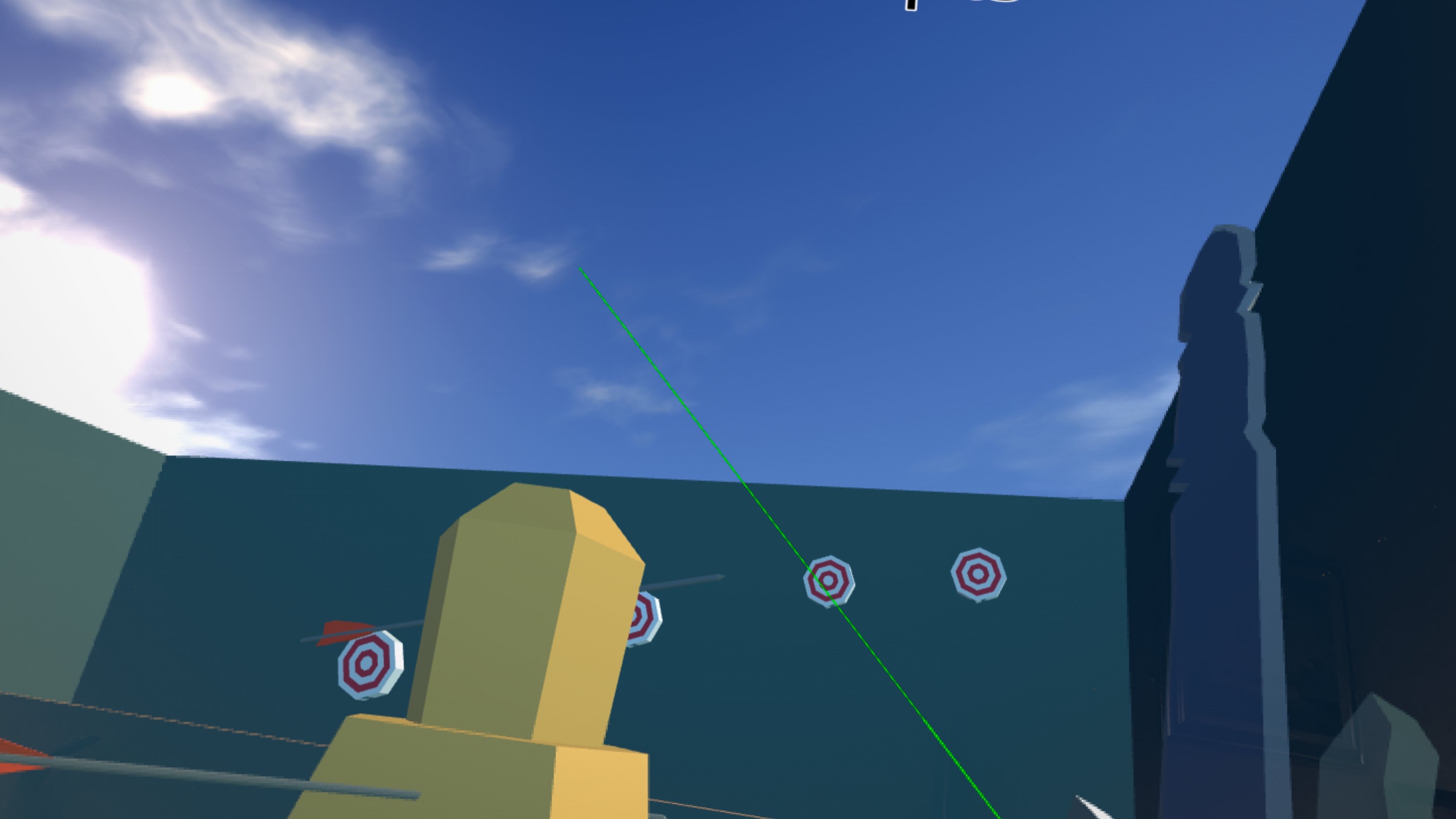
Archery System
(Part of webxr_archery)
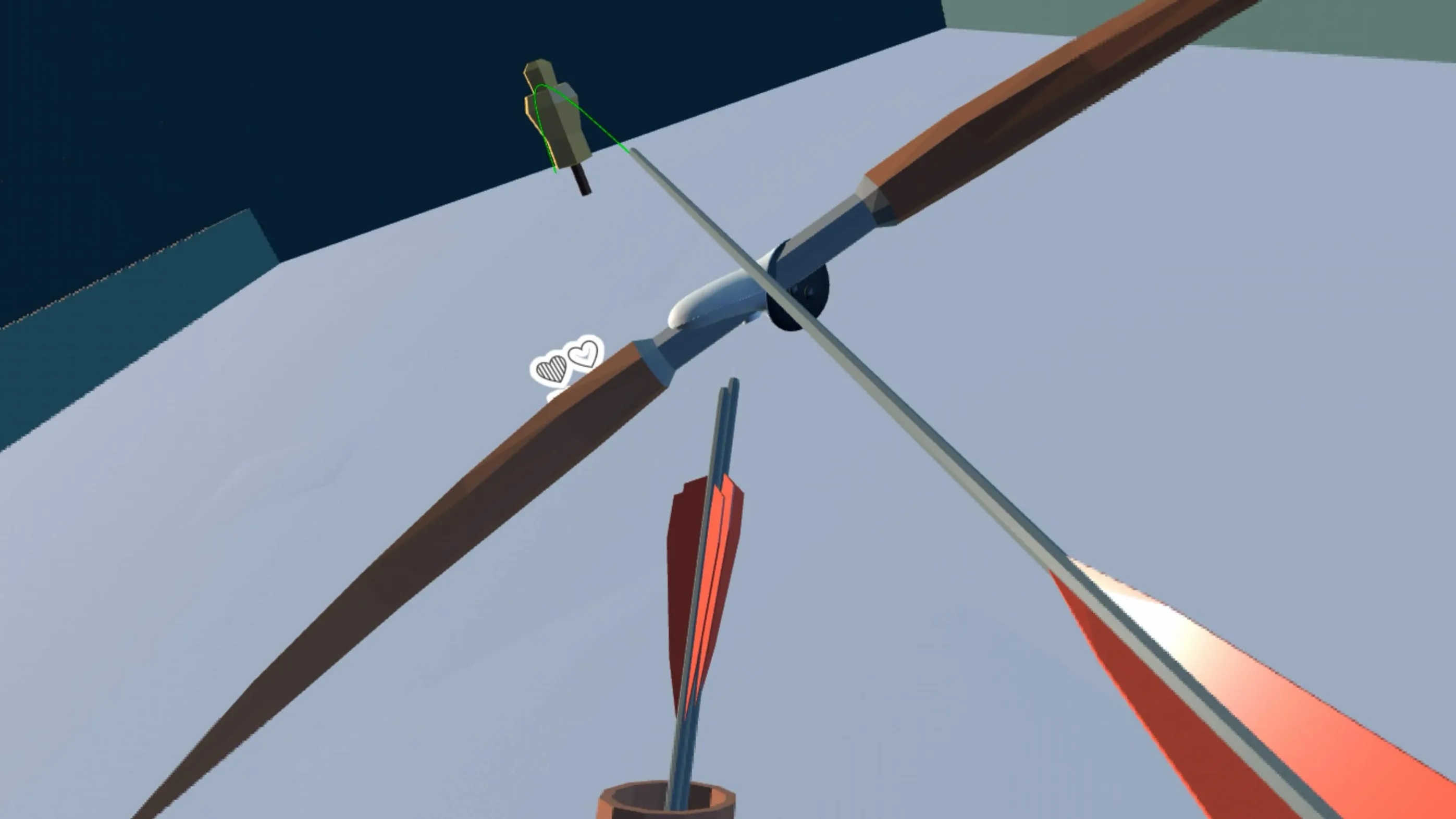
A complete bow-and-arrow system ready to drop into any scene:
- VrBow — hold and draw a bow with full haptic feedback and configurable draw distance and arrow speed.
- VrArrow — full state machine: auto-nock, draw tracking, physics launch, flight rotation, and sticky arrow embedding on impact. Optional parabolic arc preview.
- VrHittable — add to any arrow target to receive a one-frame
JustHitcondition that picks only the specific instance that was hit, plus hit speed and hit count for damage scaling. - Bowstring renders in real time and snaps back on release.
Levers, Sliders & Buttons
(Part of webxr core)
VrInteractable turns any object into a grabbable lever, slider, or button. Set the axis and range in the property editor; read the current value in events to drive doors, dials, or any game mechanic.
Point-and-Select
(Part of webxr core)
VrSelectable makes any object respond to the controller's laser ray or a physical touch. Use the IsSelected condition to highlight objects, open menus, or trigger any event-sheet action — no physics required. Ideal for in-game menus, interactive signs, and item tooltips.
VrTargetable detects when a controller ray is aimed at any 3D object, including non-grabbable targets, enemies, and props. IsTargeted picks the aimed-at instances each frame; JustTargeted fires once on aim entry; TargetingHand tells you left, right, or both; IsTargetedByHand(hand) is the preferred per-hand check for dual-wield -- it handles the "both lasers on one target" case correctly; and TargetPointX/Y/Z gives the precise hit location. The targeting ray is always cast when a controller is connected -- turning off the laser only hides the visual beam, so objects can be targeted with an invisible ray (useful for pistol aim, crosshairs, or any mechanic where you want hit detection without a visible beam). TargetingRayLength lets you set an independent reach for the targeting ray (0 = inherit laser length). Works alongside or independently of VrSelectable and VrGrabbable.
Climbing
(Part of webxr core)
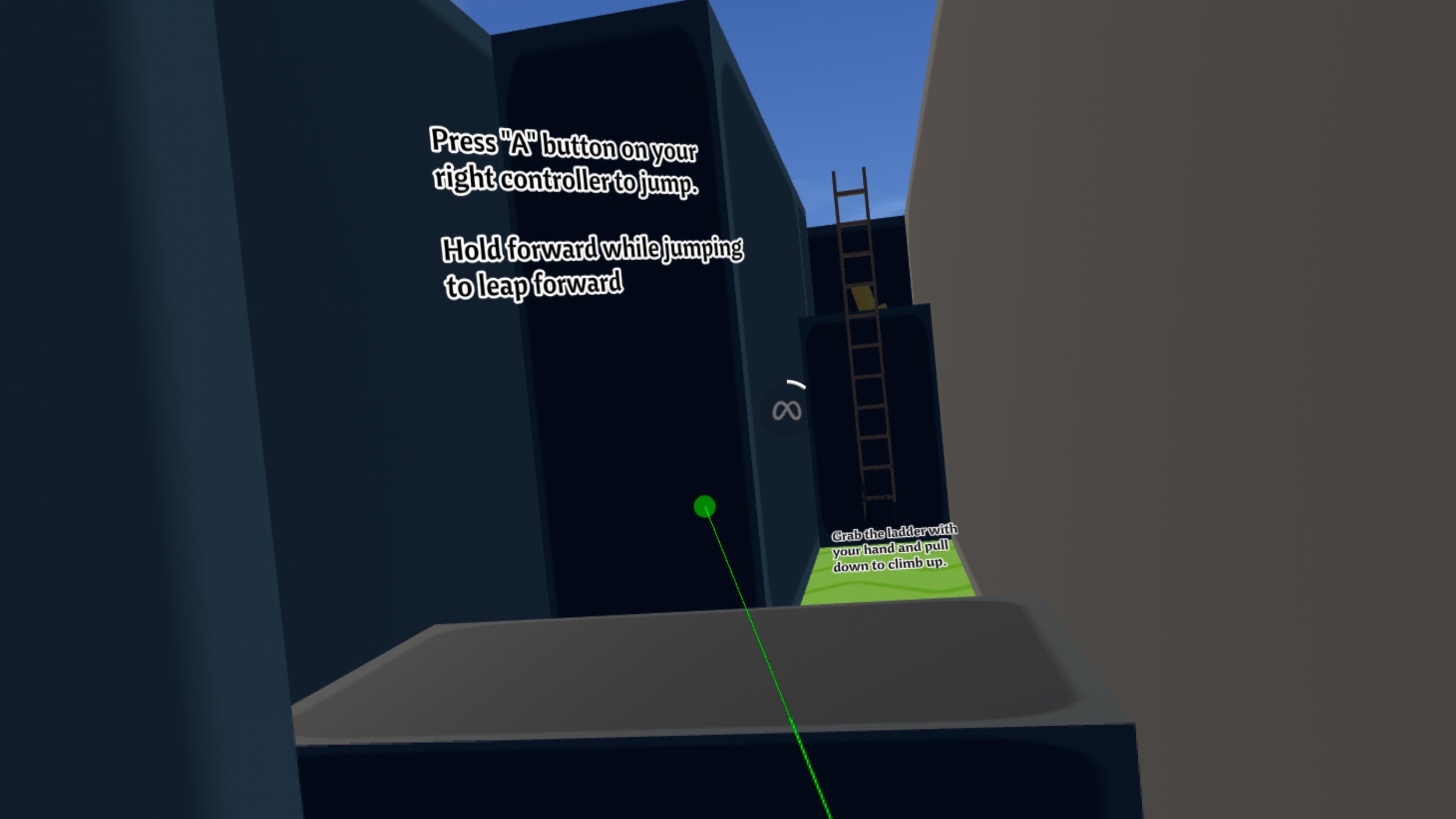
VrClimbable lets players grip any surface and pull themselves up. Configure grab radius, launch scale on release, and mantle boost.
Doors
(Part of webxr_doors)
VrDoor adds rotating and sliding doors driven by the same physics-grab model used elsewhere in the extension. Define a hinge or rail axis, set travel limits, and the door integrates velocity from player pushes and handle grips with configurable friction. Doors latch automatically when they coast back to the closed position and re-open with a grip-in-handle action.
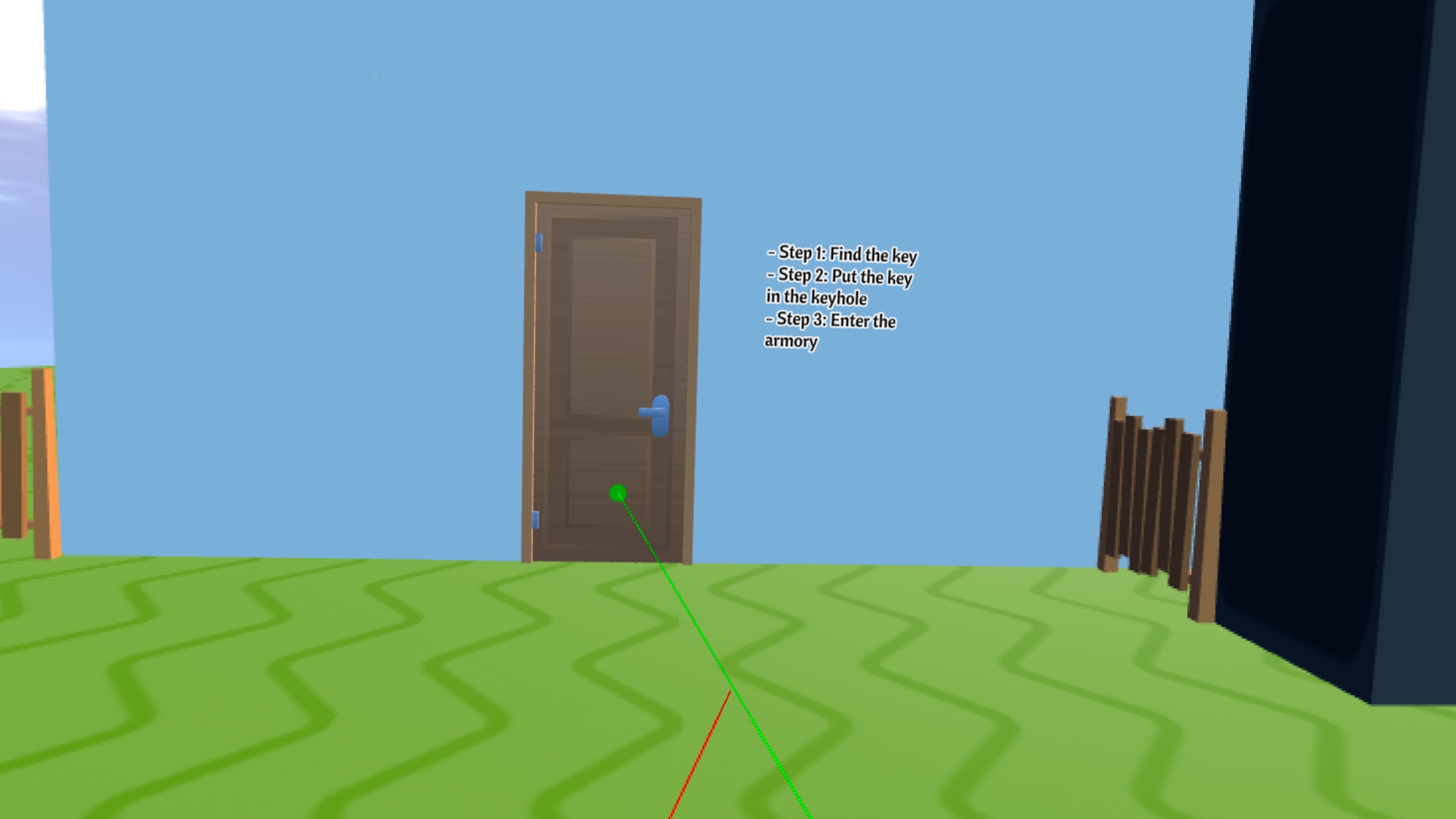
Lock/unlock via events or with a VrKey: drop a key object into the door's key zone and it snaps into the keyhole (only keys with matching tags dock), auto-unlocking the door if tags match and triggering IsKeyJustInserted and IsJustUnlocked edge conditions for sound effects and animations.
Teleportation
(Part of webxr_teleport)
VrTeleport fires a projectile arc from the controller and teleports the player to the landing point on release. Mark any surface as a valid landing zone with VrTeleportable. Add VrBlockTeleport to walls and obstacles to prevent the arc from passing through them -- players can no longer teleport into locked or closed-off areas, even if they reach the controller through the wall. Arc color, speed, and gravity are all tunable at runtime.
Floating Objects & HUDs
(Part of webxr core)
VrFollower keeps any object at a fixed offset from a target — useful for in-world HUDs, floating menus, wrist displays, or floating holsters around the player's body. Three rotation modes:
- Follow the full controller or headset pose
- Follow body yaw only (best for torso-relative HUDs)
- Follow the real headset camera (best for face-mounted panels that track gaze)
Optional smoothing creates a floating, "lagging" feel for UI panels.
Locomotion
The extension pairs with GDevelop's built-in PhysicsCharacter3D for smooth movement:
| Input | Action |
|---|---|
| Left thumbstick up/down | Move forward / backward |
| Left thumbstick left/right | Strafe left / right |
| Right thumbstick X | Smooth or snap yaw rotation |
| A button | Jump |
| Left trigger (hold + release) | Teleport arc |
All thresholds and speeds are configured in the event sheet — no extension changes needed.
Virtual-torso yaw: The VR Head Anchor behavior maintains a single deadzone-leashed body heading (virtual torso) driven by the headset. This heading drives holsters, body-relative followers, and joystick movement all at once -- so physically turning in real life correctly reorients everything attached to your body with a natural rotation limit. Configurable deadzone and smoothing, with full selectable modes (Head / Controller / Off). All locomotion settings (mode, deadzone, smoothing, controller hand) can now be read and changed at runtime from the event sheet.
What are other developers saying?
"This is an absolutely insane development for GDevelop!"
— @Queue The Game Dev
"It's insanely intuitive, well optimised and polished, to the point where it feels like a full official feature."
— @cattymations
Requirements
- GDevelop (latest recommended)
- A WebXR-compatible browser (Chrome / Edge on PC, Meta Quest browser)
- Any Meta Quest headset (Quest 2, 3, Pro) or other OpenXR-compatible device
Demo Project
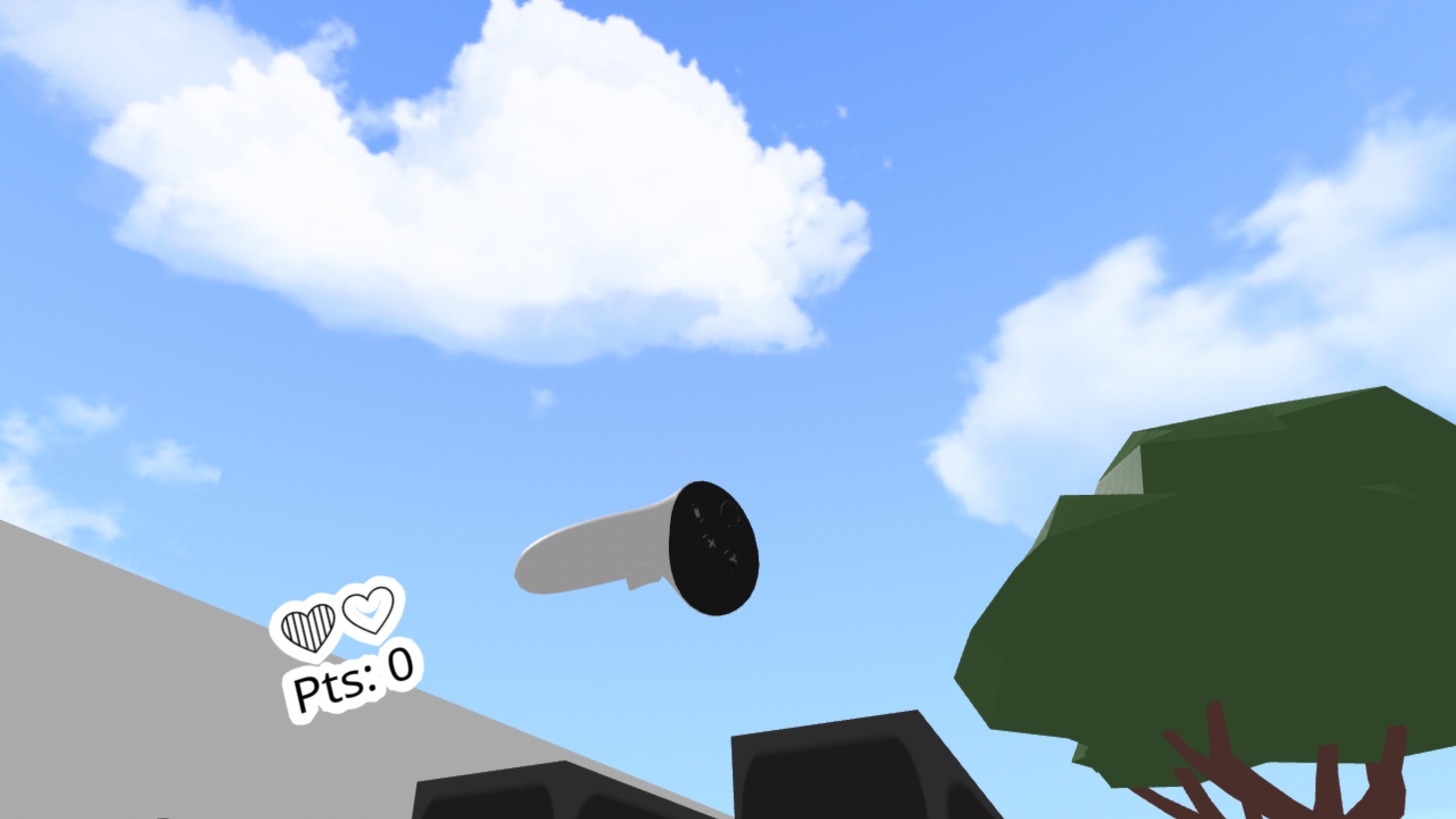
A complete interactive demo scene showcasing every feature — grabbing, climbing, holsters, archery, doors, teleportation, selectable objects, and locomotion — is available as a paid add-on. It's a ready-to-run starting point you can modify and build on directly.
Dedicated to my beloved father who passed away during development of this extension.
Download
Click download now to get access to the following files:
Development log
- Update: crouch fix, controller orientation, and a proper VR skybox35 days ago
- Fixed grabbables, added body yaw system52 days ago
- Fixed VrDoors debug drawing53 days ago
Comments
Log in with itch.io to leave a comment.
I'm trying to launch preview of the game but it's always says "This page is not responding" How to fix this?
How are you trying to launch preview? Since this is WebXR extension, it works only with web builds, and web builds must be loaded through a web server, you can't just double-click on the html file and load it in the browser.
Other than that the process is exactly the same as if you're publishing any web (html5) export of any other GDevelop game.
i'm launching it trough web-browser, i tryed uploading it on itch io and test there, but it has same problem when previewing trough network preview.
I'm trying to use the built-in skybox feature instead of the cinematic sky extension in the demo project (the cinematic sky extension renders a dome that I can travel outside of), but the GDevelop skybox won't show in VR, only the background color. Any ideas?
The cinematic sky extension was removed from the demo project 25 days ago :D Check the latest demo, the extension now ships with its own skybox which you set in the VrHeadAnchor behavior (and it doesn't work the same as GDevelop skybox - check the demo) because of a bug in GDevelop where it strips background when rendering for VR.
More info here: https://avram.itch.io/webxr-gdevelop-extension/devlog/1593430/update-crouch-fix-...
Thanks. Apparently I never clicked on the tiny "I already paid for this" link to find the update to the demo file. Oops.
Is there a reason there's still an object called "Skybox" in the Geometry folder of the demo project? It's a tiled sprite and only contains the image "StartingBackground.png"?
It's not used, it's a leftover from GDevelop’s basic 3D demo. I'll remove it with the next update.
How do I use this for my Gorilla Tag horror fan-game? And how do I put it in?
There is comprehensive documentation linked in the top of this page. Or you can buy the demo project and check out how I made it.
The display stutters when I turn with the right stick on Quest 3.
Can you record a video of it? How about when you physically turn in real world? Trying to figure out if it's up to stick or to rotation generally... I have a Quest 3S and haven't noticed anything like that.
The video capture records at 30 fps and that doesn't seem to capture the right stick stutter. There is no stutter when physically turning my head or turning in place, just when turning with the right stick. (BTW, is there a way to increase the turn speed? I couldn't find it.)
However, it's like the stutter seen in this video when climbing a ladder, but in a horizontal direction, and not as severe as this. I bought the demo project and tried setting it to 72 fps (the Quest's default rate), but that had no effect.
https://drive.google.com/file/d/1hMY7BbfS_dgTqzTEzVLT1aUdCPSfIL5b/view?usp=shari...
That's actually good as right stick rotation has nothing to do with VR (rendering part at least):
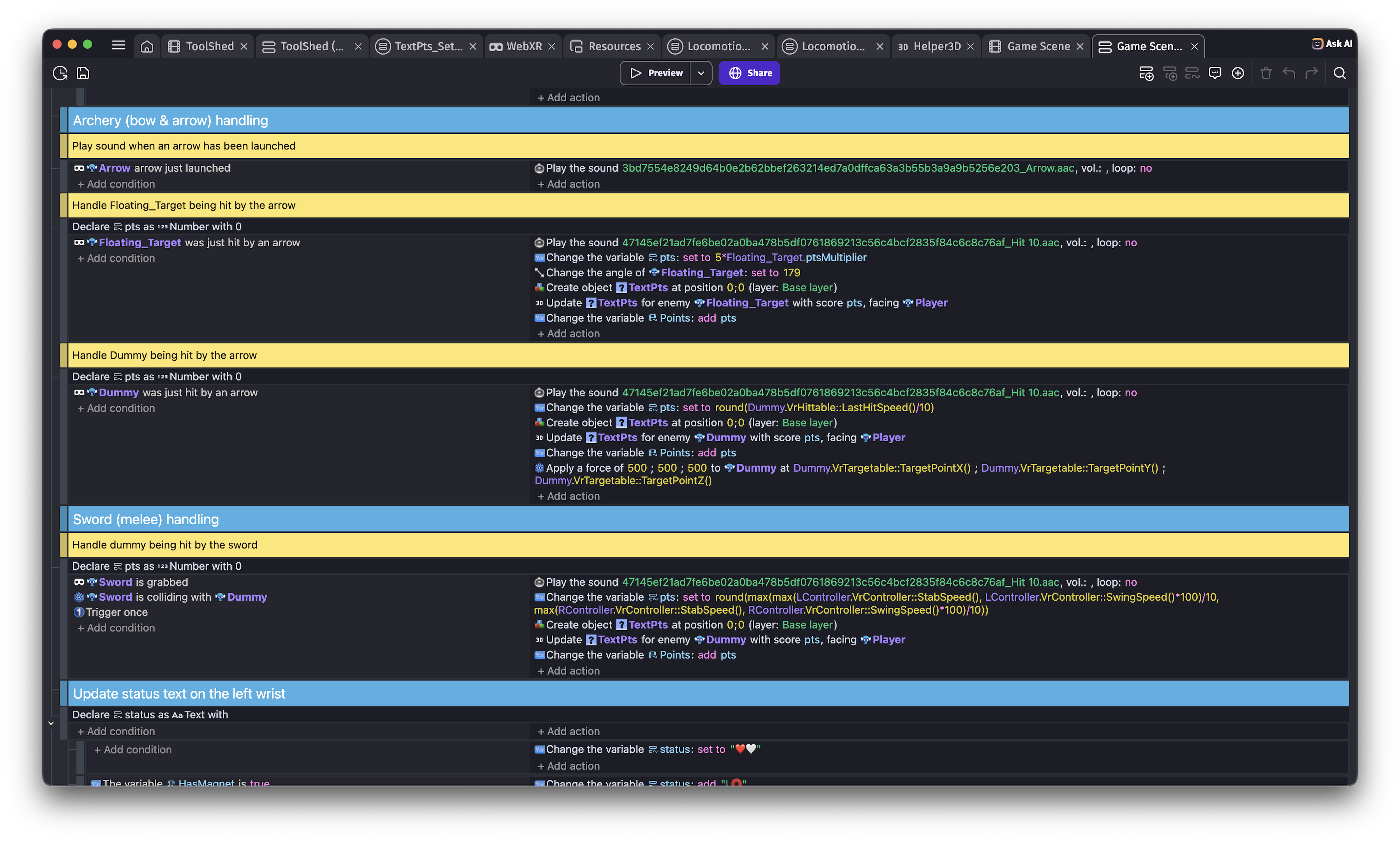
This part in Locomotion_Regular event sheet rotates based on right controller stick, so you can try playing with it (remove time delta, change speed, ...) as there are several ways to rotate an object in GDevelop
Increasing those two numbers to 180 (from 90) and 360 (from 45) speeds up the rotation and masks the stutter. I've experimented with changing those numbers and I don't quite understand how they interact, sometimes with no effect past a certain point. Anyway, the increased speed is the speed of turning in the Team Beef Doom VR mod, which is okay for me (and others, apparently, since I've never seen complaints about it on their reddit or discord forums). The stutter is still there in GDevelop if I really look for it, though, so maybe it's something inherent in GDevelop's rendering.
Happy you pointed me to that event sheet since I was also easily able to implement sprinting with the left trigger. We'll see where this takes me.
Do exported games work on gd.games in VR? Have you tried it?
Yup, I just tried it and it works: https://gd.games/avramovic/vr-demo
It doesn't work with the Chrome's Immersive Web Emulator extension because it's being loaded in another frame, but it works from the headset!
Btw, By any chance could you make this to work in Firefox as well as that's the main browser I and most of my friends use.
I cannot add support for WebXR to Firefox if they do not support it. caniuse.com says FF doesn't support it: https://caniuse.com/?search=webxr
This is what Google AI results say about it (take it with a grain of salt):
Some feedback when I tried this one out.
First my rig info.
R7 9800x3d
RX9070 XT
Oculus Rift S
1. When you put something on your head slot when crouching it detects that as an obstacle and won't let you stand up anymore.
2. There is weird stuttering happening like it shows the previous and next image on top of eachother.
3. It takes the initial controller orientation where they are at the moment you open up the game, in my case if I have them on the table and start the game and pick them up they are upside down and pointing to an arbitary direction
4. Quite often when you put an item on your shoulder or head slot the items seem to disappear or set them at incorrect position like behind the head instead of shoulder.
Otherwise you've done a fantastic work <3
Thank you for your feedback! Let's address each of your points separately:
A little hint: You can also switch to the "toolshed" scene (if you bought the demo project) and import your object into it (add VrGrabbable to it and add the model to the group where all grabbables are). When you pick up an object, your left stick movement will no more control your in-game movement and will turn to hold pose adjustments (should be able to use it for hang pose too). Your left thumbstick adjusts X/Y offset and X/Y buttons adjust Z offset. Holding trigger switches to adjusting rotation along the same axes (thumbstick -> X/Y rotation; X/Y buttons -> Z rotation). An in-your-face 3D HUD text will show current numbers. Copy them to your object in the editor to have your initial hold/hang pose set.
I will buy the demo once I have some extra money.
Looking forward for the shed ;)
I'll make the video of the stuttering too at some point and send it to you in Discord.
Yoink, bought it now <3
Crouching bug and controller orientation have been fixed with the latest update. I also tinkered a bit around rendering so let me know if you still experince that stutter you mentioned under number 2
One issue is that the climbing makes your hand violently shake and it just gives me a headache.
Yeah, it's a bit glitchy, I'll see what I can do about it. Thanks for reporting
Your welcome